By Alex Host · Founder of Top Care Cleaning · Updated 2026-05-04
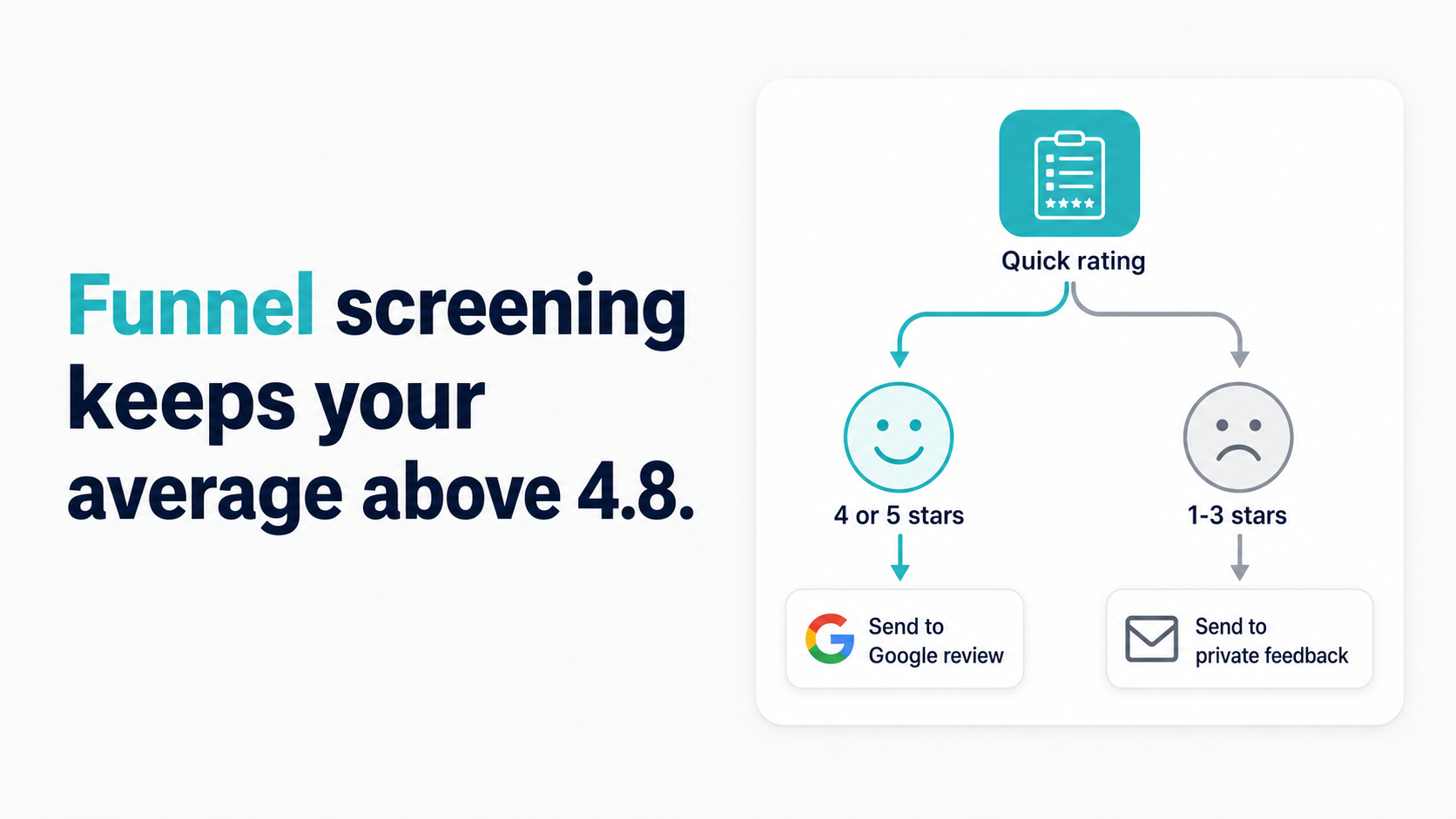
The most common mistake operators make when asking for reviews is sending the Google review link to every customer, including unhappy ones. Funnel screening — asking customers "Are you happy with your service?" before revealing the review link — filters out dissatisfied customers before they hit your public profile. At Top Care Cleaning, 40% of customers tap the "happy" affirmative (n=70 sends), and 54% of those went on to leave a 5-star review.
Why sending the review link to everyone is a mistake
A small service business's star average is a fragile number when the review count is low. On a 15-review profile, a single 1-star review drops a 5.0 average to 4.6 — a visible decline that changes how prospects perceive the business at first glance.
The asymmetry of review motivation makes this worse. Unhappy customers are significantly more motivated to leave reviews than happy ones. Satisfaction is expected — people don't feel a strong pull to document what went as anticipated. Dissatisfaction is unexpected and frustrating — people feel motivated to warn others.
When you send your review link to every customer, including ones who are unhappy, you're handing a megaphone to the customers most motivated to use it negatively. A better approach is to intercept unhappy customers before they reach your public review profile.
The math: at 40% tap-yes rate and 54% yes-to-review conversion (our Top Care data, n=70), the funnel-screened system produces a 21% overall review-to-send rate with reviews that came exclusively from customers who self-identified as happy. The reviews are better, and the star average is protected.
The two-step ask — how funnel screening works
The funnel screen is a binary prompt that sits between the job completion and the Google review link. Here's the sequence:
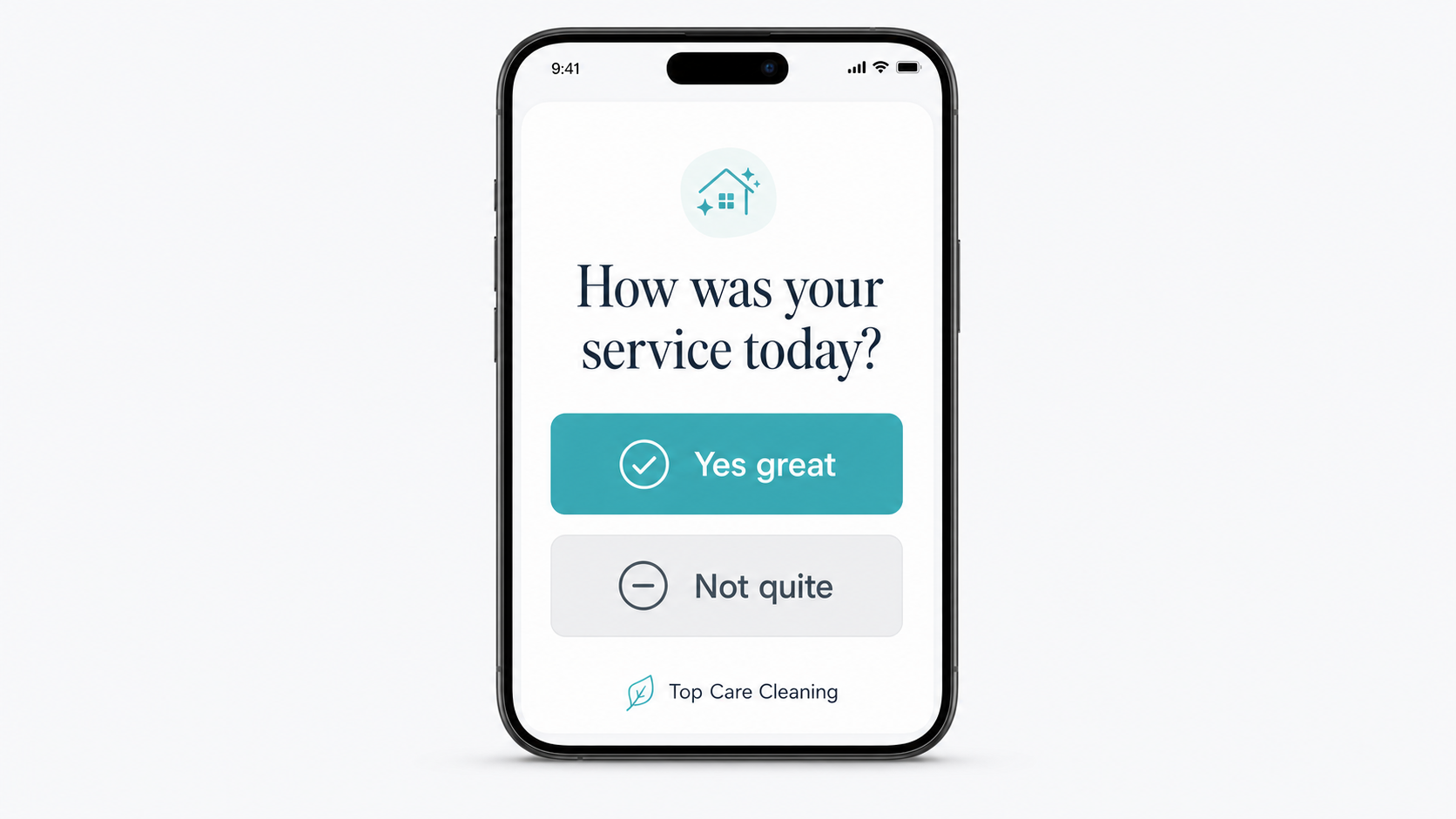
Step 1: The customer receives an SMS with a simple question: "Hi [Name], were you happy with your [service] today?" The message includes a "Yes" button (or clear affirmative tap target) and a "Share feedback" button.
Step 2a — If yes: The customer taps the affirmative. They're redirected to the Google review link. The message reads something like "We're glad to hear it. If you have a moment, we'd love your Google review — here's the direct link: [link]."
Step 2b — If no: The customer taps "Share feedback." They're redirected to a private feedback form — not Google, not Yelp, not any public platform. The form asks what went wrong. The business receives this feedback internally.
This is exactly how Hosted Reviews is built. The affirmative screen is the first thing the customer sees. Happy customers get the review link. Unhappy customers get a private form.
At Top Care (n=70 sends): 40% of customers tap the affirmative. Of those, 54% completed a Google review — giving us a 21% overall review-to-send rate. The 46% of yes-tappers who didn't immediately review are the follow-up audience for the reminder.
What happens when customers say "no" (the private feedback path)
When a customer taps "no" or "share feedback," they receive a private form rather than a public review link. This is not a dead end — it's a service recovery opportunity.
The "no" tap is valuable data. A customer who says they were unhappy with the service has identified a problem you might not have known about. Maybe the technician was late. Maybe a room was missed. Maybe the customer had an expectation that wasn't communicated clearly before the job.
At Top Care, when a customer taps "no," I treat it as a service recovery opportunity, not a loss. Three times in the past year, a follow-up call to a dissatisfied customer — listening to the complaint, offering to fix the problem — turned a potential 1-star review into a 5-star review. The customer appreciated being heard, came back for another service, and became a loyal repeat customer.
The process:
- Customer taps "no" → receives private feedback form
- Business receives the feedback (Hosted Reviews notifies the dashboard)
- Owner or manager calls the customer within 24 hours
- Listen to the complaint, acknowledge it, offer a resolution (re-clean, partial refund, discounted next service — depending on the situation)
- After resolution: optionally re-ask for a review — "If we addressed your concern, we'd appreciate a second chance at a review, but only if you feel you can honestly leave one"
The private feedback path is worth building even if you never get a "no" tap. The existence of the private channel tells customers they have somewhere to direct dissatisfaction that isn't your public Google profile.
The funnel math — what to expect
Top Care funnel breakdown (n=70 sends):
| Stage | Number | Rate |
|---|---|---|
| Sends | 70 | 100% |
| Tap-yes (affirmative) | 28 | 40% |
| Reviews from yes-tappers | 15 | 54% of yes-tappers |
| Did not review (yes-tappers) | 13 | 46% of yes-tappers |
| Overall review-to-send rate | 15 | 21% |
Industry estimates for review request conversion range from 15–30% for SMS review requests from service businesses. At 21%, Top Care is in the middle of that range with a relatively small sample. As the sample grows, the rate will likely stabilize. The key insight is that the funnel screen produces a higher-quality review pool — not just more reviews, but reviews from customers who self-identified as satisfied.
What this means in practice: if you send 100 review requests per month with a funnel screen, expect roughly 21 new reviews — all from customers who tapped "yes" on the happy screen.
How to phrase the affirmative ask
The language of the funnel screen matters. The goal is to capture genuine satisfaction, not to coach customers toward a positive response.
Language that works:
- "Were you happy with your [service] today?"
- "How did today's service go?"
- "Was everything to your satisfaction today?"
Language to avoid:
- "Were you happy with your amazing service today?" (leading)
- "Did our team do a great job today?" (leading)
- "Leave us a 5-star review if you were happy!" (instructs reviewers toward a specific rating, which violates Google's policy)
Google's review policies state that businesses cannot instruct customers to leave positive reviews, offer incentives for reviews, or discourage negative reviews. The funnel screen filters, but it cannot instruct — the customer who taps "yes" chooses what star rating to leave.
Timing: send the two-step ask within 2 hours of job completion for the highest yes-tap rate. The experience is most specific and most positively charged immediately after a good job.
Sibling article — quality over quantity
Funnel screening is the filter. Once a happy customer reaches the review prompt, the quality of the review they leave depends on how the ask is framed and what prompts them to write specific, useful content. For the quality side of this equation — what makes a Google review "better" and how to ask in a way that gets specific, keyword-rich reviews — see How to Get Better Google Reviews — Quality Over Quantity.
The combination: funnel screen (this article) + quality prompt (Article 10) = higher-quality reviews at a sustainable conversion rate.
Closing
Hosted Reviews includes the two-step funnel screen in every post-job SMS — happy customers get the review link, unhappy customers get a private form. Start a 14-day trial — no card required: app.hostedreviews.com.
About the author
Alex Host runs Top Care Cleaning, a Grand Rapids cleaning and exterior service with 400+ Google reviews, and built Hosted Reviews to automate what he was doing manually. I run Top Care Cleaning, a Grand Rapids cleaning and exterior service with 400+ Google reviews, and I built Hosted Reviews to automate what I was doing manually. Read more at hostedbrands.com/about and topcarecleaning.com.