By Alex Host · Founder of Top Care Cleaning · Updated 2026-06-05
Your Google Place ID is a unique alphanumeric string that Google assigns to every verified business location in its Places database. If you need to build a Google review link from scratch, embed a Google Map on your website, or connect your business to the Maps API, this is the identifier you need.
For most business owners, the Place ID lookup is a one-time task — you find it once, use it to generate your review link, and move on. This guide covers what it is, when you need it, and three methods to find it.
What a Place ID actually is
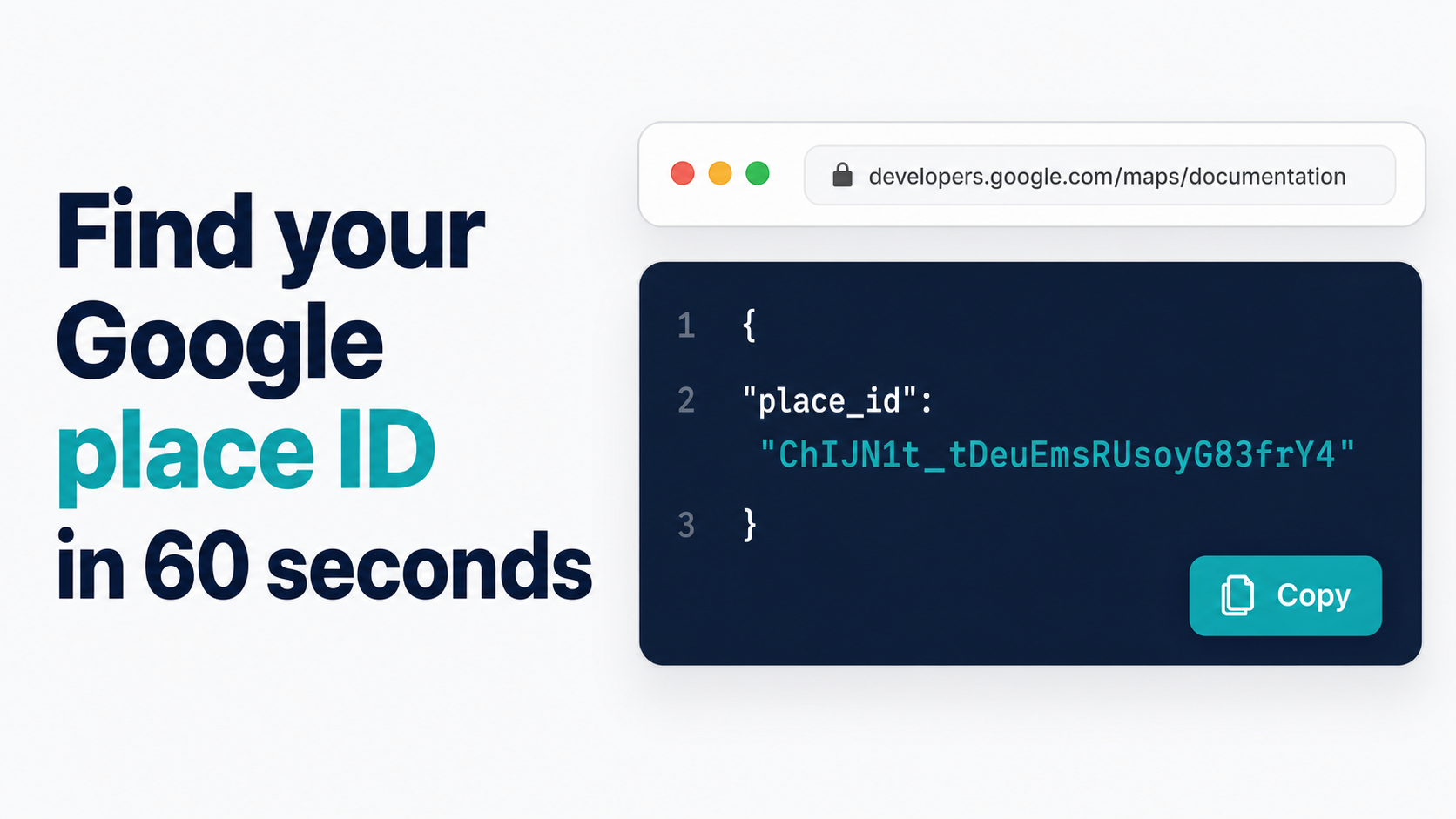
A Place ID looks like this: ChIJN1t_tDeuEmsRUsoyG83frY4
It's not a CID (which is numeric), and it's not your Google Maps URL slug. It's a permanent, stable identifier generated by Google's Places API that maps to one specific business location. According to Google's Maps Platform documentation, Place IDs are designed to be persistent and consistent across the Places, Maps, and Business Profile products.
The identifier exists whether you know about it or not. The moment your business was verified on Google Business Profile, Google assigned a Place ID to that listing. Everything else — the g.page short link, the write-review URL, the embedded map capability — is built on top of this ID.
Once you have it, you can construct a direct write-review URL:
https://search.google.com/local/writereview?placeid=YOUR_PLACE_ID
You can also paste it into the Hosted Reviews generator to get all three link formats at once.
When you need a Place ID (5 use cases)
1. Generating a direct review link. The PlaceID method gives you the long-format review URL, which is the most stable link format. Unlike the g.page short link, it doesn't depend on Google's redirect infrastructure — if g.page ever changes, the PlaceID URL still works. For developer and API contexts, always use the PlaceID URL over g.page.
2. Embedding Google Maps on your website. Every manually configured embedded map requires a Place ID. If you're adding a "Find us on Maps" section to your contact page and want to specify your exact location rather than a generic address pin, you'll use this identifier in the embed code.
3. API integrations. If you're connecting your job management software, CRM, or review automation platform to the Google Maps API, the Place ID is what your integration passes to identify which business location it's working with. Platforms like Hosted Reviews need the Place ID to tie your automated review requests to the right GBP listing.
4. Multi-location SEO and schema markup. For businesses with multiple locations, the Place ID uniquely identifies each one. When adding LocalBusiness schema markup to individual location pages on your website, the Place ID helps Google and other search engines understand each location as distinct, not as a duplicate of the primary location.
5. Troubleshooting. If your review link stopped working or is routing to the wrong location, looking up the Place ID and reconstructing the URL manually is the fastest diagnostic step. If the PlaceID URL works but the g.page link doesn't, the issue is in Google's redirect layer, not the underlying listing.
How to find your Place ID — 3 methods
Method 1 — Google's own Place ID Finder
Google maintains an official Place ID Finder tool on their developer documentation site. You don't need a developer account to use it — the tool is publicly accessible.
- Open the Place ID Finder link above in any browser.
- In the search box on the map, type your business name and city.
- Click your business in the autocomplete results.
- The tool displays your Place ID in a text box below the map.
- Copy it.
This is the most authoritative method — the ID comes directly from Google's database with no intermediary. The result is accurate and matches what the Maps API would return.
Limitations: The developer documentation page loads slowly on some connections, and the search interface is minimal. If you search a common business name in a large city, the autocomplete may return multiple similar listings — select carefully. If the tool is unavailable or returning incorrect results, use Method 2.
Method 2 — Pull from your Google Maps URL
When you pull up your business on Google Maps in a desktop browser, the URL contains a segment that includes your Place ID.
- Go to maps.google.com.
- Search your business name.
- Click your listing.
- Look at the URL in the browser address bar. It will be a long string. Look for a segment that starts with
!1s— the characters after!1sand before the next!are your Place ID.
Example URL structure:
https://www.google.com/maps/place/Business+Name/@lat,lng,z/data=!3m1!4b1!4m6!3m5!1sChIJ...!8m2!3d...!4d...
The Place ID in that example is the string beginning with ChIJ that appears after !1s.
This method requires some manual parsing. The URL is long and the Place ID can be buried in the middle of it. If you find this confusing or are unsure you've copied the right portion, use Method 1 or Method 3.
Method 3 — Use the Hosted Reviews tool that does it for you
The Hosted Reviews Google review link generator accepts either a business name or a Place ID as input. When you enter your business name, the tool looks up the Place ID automatically and constructs all three link formats without requiring you to find the raw Place ID.
- Go to /tools/google-review-link.
- Type your business name in the search field.
- Select your location from the autocomplete.
- The tool returns your g.page short link, PlaceID write-review URL, and Maps deep link.
- Copy whichever format you need.
If you already have your Place ID from Method 1 or Method 2, the tool also accepts a pasted Place ID in Mode B — skip the business name search and paste the ID directly to get your review links instantly.
This is the fastest path for most business owners. You get the review link without ever seeing or manually handling the raw Place ID.
What to do once you have your Place ID
With the Place ID in hand, the most common next step is generating your review link. If you want the quickest path, paste your Place ID into the Hosted Reviews generator.
For the full explanation of all review link formats and how to choose between them, see How to Find Your Google Review Link.
If you want the short-format link instead of the long PlaceID URL, see How to Create a Short Google Review Link. The g.page link is preferable for customer-facing use — 40–50 characters versus 80–120 — but the PlaceID URL is more stable for embedded and programmatic use.
Place ID FAQs
Does my Place ID ever change?
Rarely, but it can. If your business listing is merged with another GBP record, if your listing is suspended and reinstated as a new record, or in rare cases during a Google database migration, the Place ID may change. For production systems that hardcode the Place ID, add a quarterly check to verify the PlaceID URL still routes correctly. For one-time review link generation, the risk of ID change is low.
My Place ID looks different from examples I've seen online. Is it valid?
Yes. Place IDs vary in length and format. Some are shorter (20–25 characters), some are longer (40+ characters). There is no fixed standard length. Any alphanumeric string returned by the Place ID Finder tool is valid — the length difference reflects internal Google database structure, not any issue with the ID itself.
I have multiple locations. Do I need a Place ID for each one?
Yes. Each GBP listing is a separate entity in Google's database with its own unique Place ID. For multi-location businesses running automated review requests, each location requires its own Place ID to generate the correct per-location review link. Using one location's link for a different location's customers creates a review attribution problem — reviews post to the wrong listing.
Can I find my Place ID directly in the Google Business Profile dashboard?
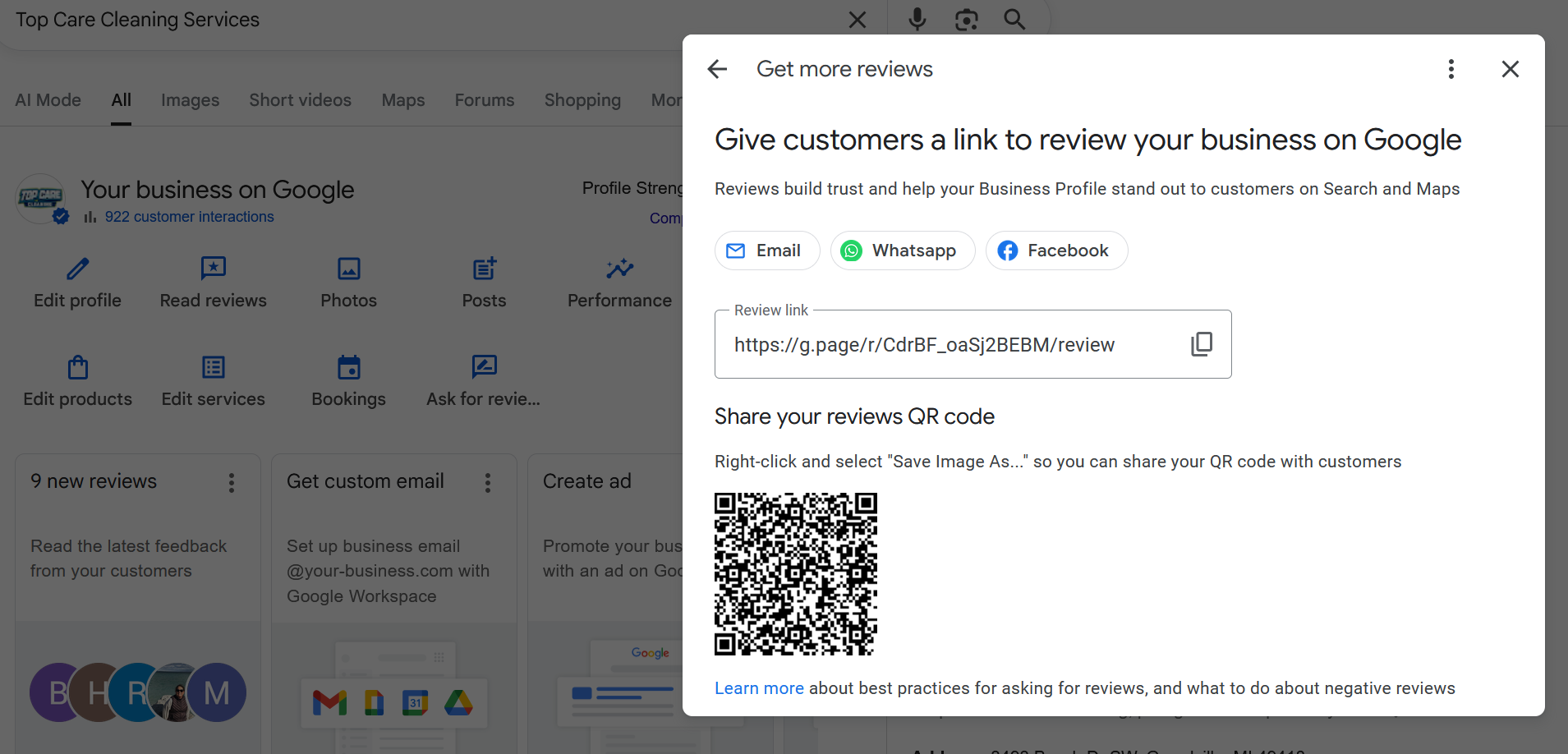
Not through the standard GBP interface. The GBP dashboard gives you the g.page short link in the "Get more reviews" card, but it doesn't display the raw Place ID. To get the Place ID, use one of the three methods above. Alternatively, the Hosted Reviews generator can retrieve your review links from a business name search, so you may not need the Place ID at all depending on your use case.
What's the difference between a Place ID and a CID?
The Place ID is alphanumeric (contains letters and numbers, starts with ChIJ for most US businesses). The CID is purely numeric and is an older identifier from an earlier version of Google's Places system. Both can be used to construct links to Google listings, but the Place ID is the current standard for API use and link construction. The Maps deep link uses the CID; the write-review URL uses the Place ID.
Want to send this link automatically over SMS after every job?
I built Hosted Reviews because I was sick of manually texting review requests after every Top Care job. Start a 14-day trial — no card required.
About the author
Alex Host runs Top Care Cleaning, a residential cleaning company in Grand Rapids, Michigan, and built Hosted Reviews after years of duct-taping review-request systems together. He writes about review collection, local SEO, and operating service businesses.