By Alex Host · Founder of Top Care Cleaning · Updated 2026-06-19
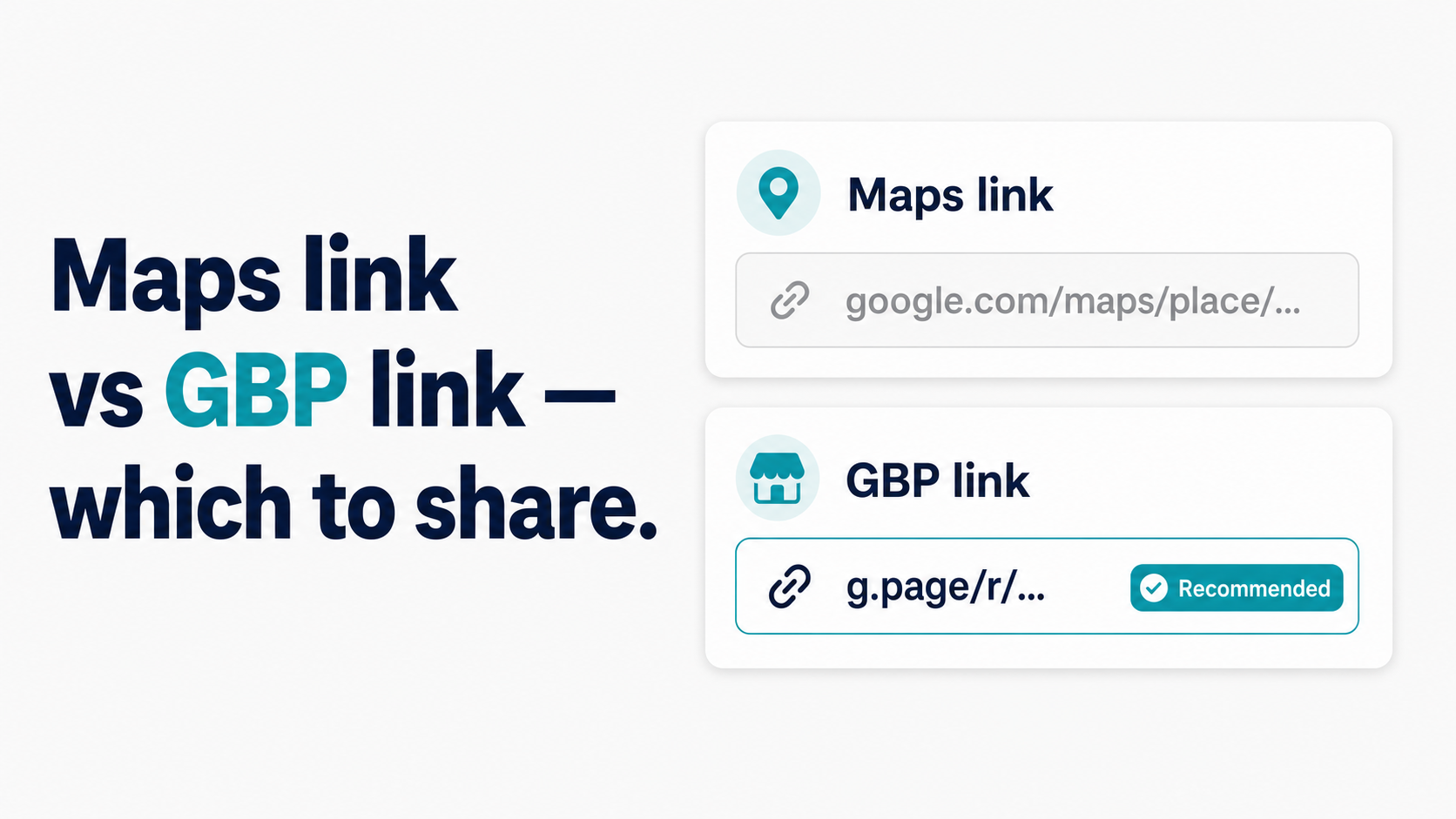
There are two commonly referenced "Google review links" — one from the Google Business Profile dashboard, one from Google Maps. They both end up at the same place (your review form), but they behave differently, convert differently, and suit different situations. Here's the actual comparison, including data from Top Care's own sends.
The 3 link formats (refresher)
Before the comparison, a quick grounding on what's out there. As covered in the Google Review Link Toolkit, there are three distinct Google review link formats:
1. The long PlaceID URL: https://search.google.com/local/writereview?placeid=ChIJ... — constructed from your Place ID. Opens the review form directly. 80–120 characters.
2. The g.page short link: https://g.page/r/CkIB.../review — generated in your GBP dashboard. Redirects to the review form. 40–50 characters.
3. The Maps deep link: https://maps.google.com/?cid=XXXX — constructed from your CID (a numeric identifier). Navigates to your Maps listing page, not the review form. The customer must then find and tap "Write a Review" inside the listing.
When people compare "Maps review link vs GBP link," they're typically contrasting format 3 (Maps deep link, often called the "Maps review link") versus formats 1 or 2 (the GBP-generated links that land directly on the form).
Side-by-side: which format converts better?
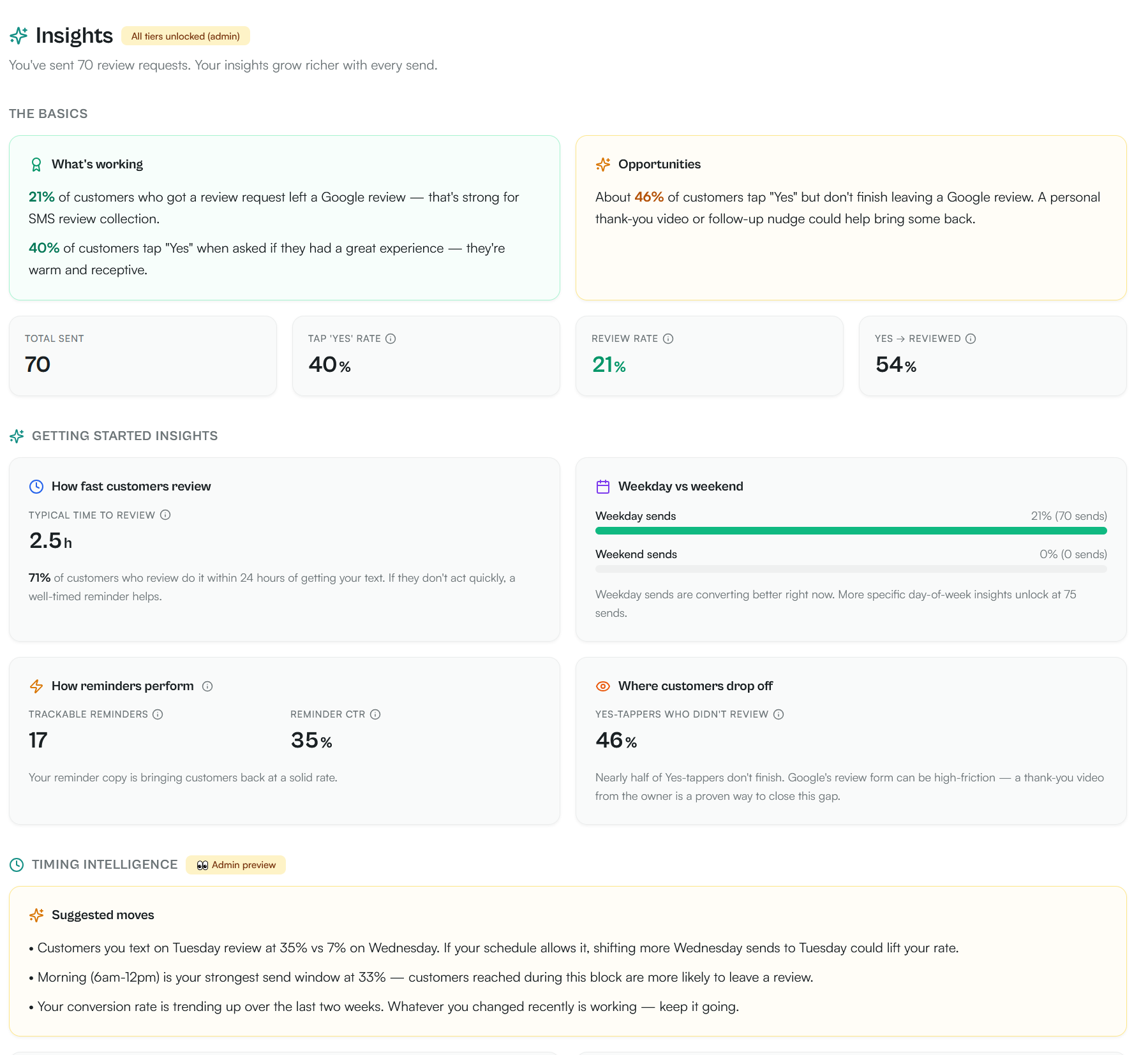
Top Care's real conversion baseline comes from 70 SMS review requests sent using the g.page short link: 21% review conversion rate, with 40% of customers tapping Yes when asked if they had a great experience. That's the real number — not a lab result, not a projection.
A formal A/B test comparing the g.page short link against the Maps long URL is on Alex's roadmap. For now, the data covers the g.page short link only. The directional case for g.page over Maps is structural:
Industry pattern + our own real conversion baseline:
| Format | Length | Direct to form? | Top Care real data | Industry pattern |
|---|---|---|---|---|
| g.page short link | 40–50 chars | Yes | 21% review rate (70 sends) | Outperforms Maps consistently |
| Maps deep link | 60–90 chars | No (listing first) | Not tested head-to-head | Underperforms g.page in SMS |
Length. The g.page link is 40–50 characters. The Maps URL is 60–90 characters. In a 160-character SMS, that's a meaningful difference in how much room is left for a human message. A link that takes up 60% of the message versus 30% produces a different customer experience.
One-tap versus two-tap path. The g.page link opens the five-star rating form directly. The Maps link opens the listing page — the customer then needs to scroll to find "Write a Review" and tap again. That one extra step loses a meaningful percentage of customers who were ready to review but got distracted during the extra navigation.
When the Maps deep link is the right choice
The Maps deep link (maps.google.com/?cid=...) does have legitimate use cases. Specifically:
When you want the customer to see your listing before reviewing. Some businesses prefer routing customers to the listing first — so they can see your photos, star average, description, and existing reviews before deciding to write one. For businesses with a strong visual presence (restaurants, hotels, event venues), the listing context can increase the quality and length of new reviews.
When you're sending to mobile users in a context where the Maps app is likely open. If you're following up with a customer about directions or a return visit, using the Maps link continues the Maps context they're already in.
When you have a high average rating and want customers to see it before submitting. A 4.8-star average visible on the listing page before the customer writes can prime them to rate higher, because they see their experience in context with other positive reviews.
For Top Care's use case — SMS after every cleaning job — none of these edge cases applies. The customer knows who we are, just experienced the service, and a one-tap path to the form is what maximizes conversion.
When the GBP/g.page short link is the right choice
The g.page short link is the correct choice for virtually every standard review request scenario:
SMS review requests. Shorter URL, one-tap to form, no carrier spam filter concerns.
Email signature. A g.page link displayed as plain text is 40–50 readable characters. The Maps URL displayed in full is confusing.
QR codes on printed materials. Shorter URLs generate smaller, denser-free QR codes that scan more reliably in varying light conditions and at smaller print sizes. See How to Make a QR Code for Your Google Review Link for the print spec implications.
Website buttons. The link can be masked behind display text ("Leave a Google Review"), but the g.page link is the cleaner underlying URL.
Email campaigns. Same short-URL advantage as SMS, without the carrier spam filter consideration.
What about the PlaceID URL?
The PlaceID write-review URL is the third format — and the one that gets underused by business owners who discover only the g.page and Maps options.
https://search.google.com/local/writereview?placeid=YOUR_PLACE_ID
This format links directly to the review form (same as g.page). It's longer than g.page (80–120 characters) but shorter and more stable than the full Maps URL. For multi-location businesses where the g.page link has disambiguation issues, this format built per-location Place ID is the correct solution.
For developer integrations, the PlaceID URL is preferred because it doesn't depend on Google's g.page redirect infrastructure — if Google ever deprecates or changes the g.page redirect, the PlaceID URL still works.
What format does the Hosted Reviews tool give you?
The Hosted Reviews generator returns all three formats simultaneously — g.page short link, PlaceID write-review URL, and Maps deep link. You choose which format to copy for each use case.
For automated SMS review requests sent through the Hosted Reviews platform, the system uses the g.page short link by default, consistent with Top Care's 21% review conversion rate across 70 SMS sends. You can substitute the PlaceID URL per location for multi-location accounts where g.page disambiguation is an issue.
FAQs
Are the Maps review link and the GBP review link actually different URLs?
Yes. The Maps link (maps.google.com/?cid=...) navigates to your listing page. The GBP-generated link (g.page/r/.../review) navigates directly to the write-review form. They have different URL structures and produce a different customer experience on arrival. The GBP link is the correct choice for review requests in almost every scenario.
Does it matter which link I use for the review to count?
No. A review submitted through any of the three formats is posted to your Google Business Profile the same way. Google's review system doesn't differentiate based on which link format the customer used to reach the form. The link format affects only whether the customer reaches the form easily.
My Maps link sends customers to the listing, not the review form. How do I fix it?
Use the g.page link from your GBP dashboard or the PlaceID write-review URL instead. Both land customers directly on the review form. See How to Find Your Google Review Link for the retrieval methods.
Which link should I put in my email signature?
The g.page short link. Display it as readable text (or mask it behind hyperlinked display text) in your signature. The Maps URL displayed in full in an email signature is visually disruptive and looks like a system-generated string.
What's the best link for a printed QR code?
The g.page short link. Shorter URLs produce smaller QR codes with lower module density, making them easier to scan reliably at the sizes used on business cards, receipts, and door hangers. See How to Make a QR Code for Your Google Review Link for the full print spec.
I tried both formats and my conversion rate is similar. Does the format actually matter?
It depends on your send volume and channel. At low send volumes (fewer than 20 review requests per month), the format difference may be statistically invisible. At higher volumes, the gap becomes measurable. The other factors — send timing, message copy, customer satisfaction level — have a larger impact on conversion rate than the link format. Get those right first, then optimize the link format.
Want to send this link automatically over SMS after every job?
I built Hosted Reviews because I was sick of manually texting review requests after every Top Care job. Start a 14-day trial — no card required.
About the author
Alex Host runs Top Care Cleaning, a residential cleaning company in Grand Rapids, Michigan, and built Hosted Reviews after years of duct-taping review-request systems together. He writes about review collection, local SEO, and operating service businesses.