By Alex Host · Founder of Top Care Cleaning · Updated 2026-09-04
Most local service businesses don't need a custom Google review link. The g.page short link Google gives you is already 40–50 characters, works in SMS, and routes directly to the review form. Spending time on a custom URL is often procrastination dressed up as optimization.
That said, there are three situations where a custom link is worth setting up. This guide covers all three, plus honest guidance on when to skip it.
What a "custom" review link actually means (3 levels)
The phrase "custom Google review link" means different things depending on who's asking. Here are the three levels, in order of complexity:
g.page short link (Google-branded, free)
The link Google already generated for you: https://g.page/r/CkIBAAAAAAAAAAAAEAE/review
It's short, it's free, and it routes directly to the review form. This is technically a Google-branded URL, not a custom one — but for most business owners, it's sufficient. If you haven't retrieved yours yet, see How to Find Your Google Review Link or use the Hosted Reviews generator.
Custom domain redirect (your-domain.com/review)
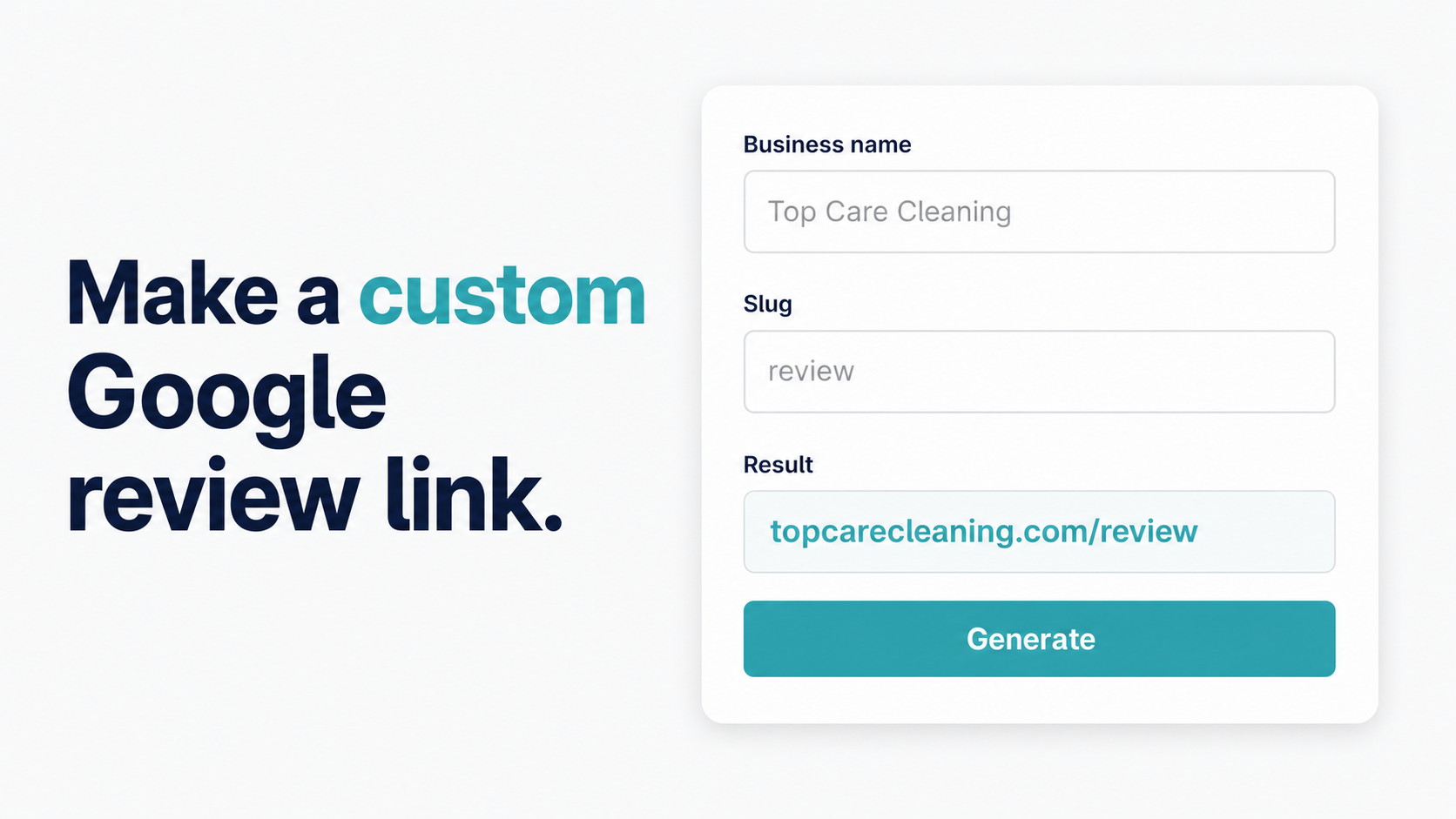
A URL like topcarecleaning.com/review that redirects to your g.page link. This is the practical version of a "custom" review link — it uses your domain, looks professional on printed materials, and is simple to set up.
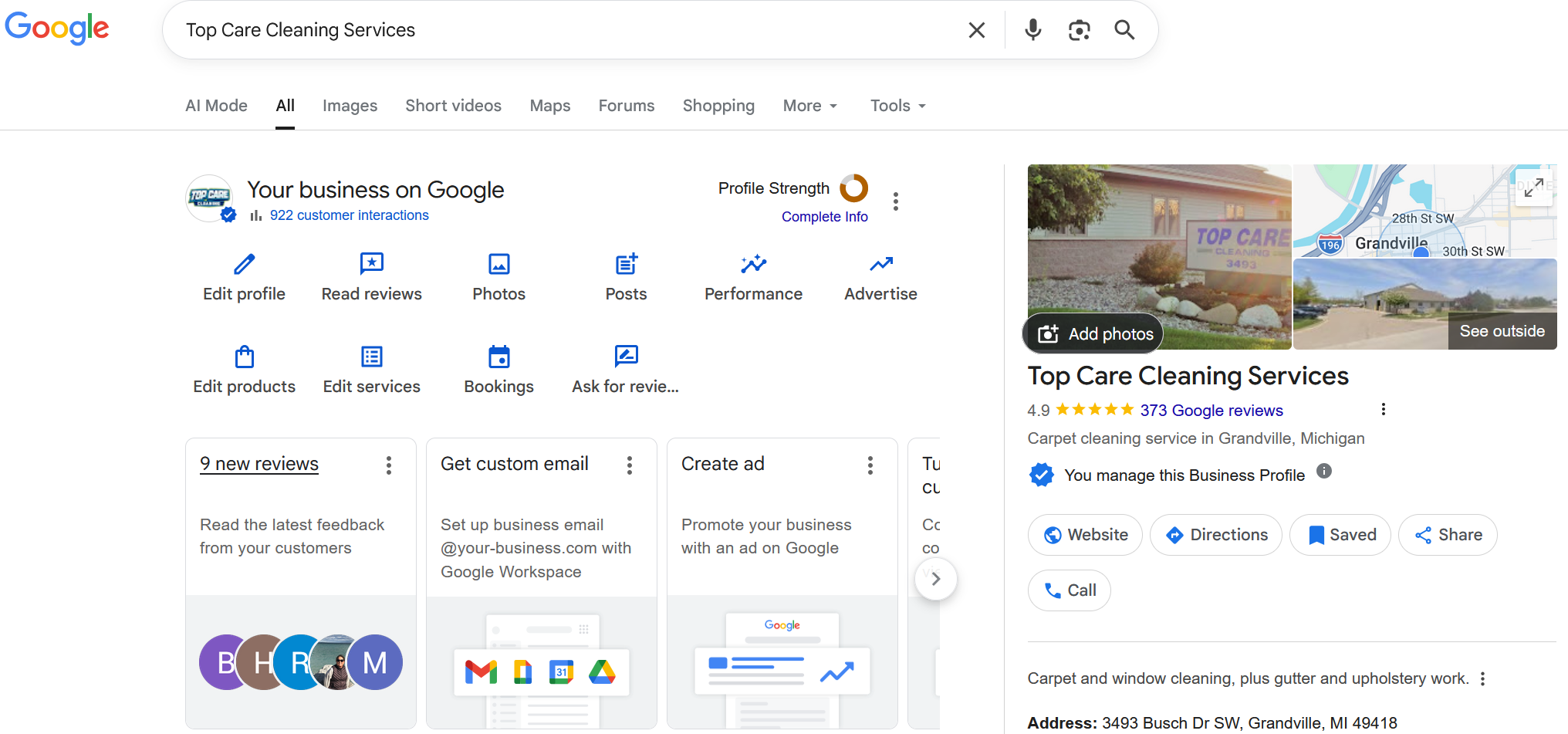
Top Care runs topcarecleaning.com/review as a redirect to our g.page link. It's what we put on business cards and door hangers where we want the URL to be readable, not just scannable.
Subdomain (reviews.your-domain.com)
A subdomain like reviews.topcarecleaning.com that redirects to the review form. Slightly more technical to set up (requires a DNS CNAME record), looks cleaner than a path redirect in some contexts, and is useful if you want the review destination to feel like a standalone destination rather than a page on your main site.
Method 1 — Set up a custom domain redirect (the practical option)
A domain redirect is a 301 redirect from yourdomain.com/review to your g.page link. The browser follows the redirect and the customer lands on the review form. This is a one-time setup that takes about 5 minutes.
Cloudflare (most common for small businesses):
- Log in to Cloudflare. Select your domain.
- Go to Rules → Redirect Rules.
- Click "Create rule."
- Under "If incoming request matches," set URL path equals
/review. - Under "Then," select "Static redirect," paste your g.page link in the destination URL field.
- Set redirect type to "301 (Permanent Redirect)."
- Save and deploy.
Test it: open yourdomain.com/review in an incognito browser. It should redirect to your Google review form within a second.
Namecheap:
- Log in to Namecheap. Click "Manage" on your domain.
- Go to "Redirect Email & URL."
- Under "URL Redirect," add
/reviewas the source and your g.page link as the destination. - Set type to "Permanent (301)."
- Save.
GoDaddy:
- Log in. Click "My Products," then "DNS" on the domain you're editing.
- Scroll to "Forwarding" and click "Add."
- Choose "Subdirectory" forwarding. Enter
/reviewas the path and your g.page link as the destination. - Select "301 Permanent."
- Save.
Note: DNS changes can take up to 24 hours to propagate, though most resolve within 1–2 hours.
Method 2 — Set up a subdomain
A subdomain redirect (reviews.yourdomain.com) requires a DNS CNAME record pointing to a redirect service, or a server-side redirect if you control your hosting.
With Cloudflare:
- Go to DNS in Cloudflare.
- Add a CNAME record: Name =
reviews, Target = any placeholder (the CNAME itself doesn't handle the redirect). - Go to Rules → Redirect Rules. Add a rule: hostname equals
reviews.yourdomain.com→ 301 redirect to your g.page link. - Save and proxy the CNAME record (orange cloud icon must be active).
With standard hosting (cPanel/Nginx/Apache):
If you control your server, add a virtual host or location block that redirects reviews.yourdomain.com to your g.page link. The exact syntax depends on your stack. Most hosting control panels have a "Redirects" section that handles this without touching config files.
The subdomain approach produces URLs like reviews.topcarecleaning.com — clean, readable, and distinct from your main site navigation. Whether this is meaningfully better than the /review path approach depends on your preference, not any technical advantage.
Method 3 — Use a paid review platform (when it makes sense)
Platforms like Birdeye, Podium, and Hosted Reviews manage the custom review link as part of a broader review request system. The custom link is a feature within the platform — you get a branded review landing page, click tracking, and the automation layer in one package.
The honest comparison on price, as of mid-2026:
- Podium: Starts around $399/month for their reputation management tier
- Birdeye: Starts around $299/month for core review management
- Hosted Reviews: Starts at $29/month (Starter) — includes automated SMS, custom review links, and click analytics
For a single-location service business that wants a custom URL plus click tracking without building a DNS redirect setup, Hosted Reviews is the practical option. For large multi-location businesses managing hundreds of locations with dedicated reputation staff, enterprise platforms make sense.
For a solo owner-operator who just wants yourdomain.com/review to work, Method 1 (the Cloudflare redirect) costs nothing and takes 5 minutes.
Should you actually do this?
Real answer: if you're asking this question, you might not need it yet.
The g.page short link in SMS is 40–50 characters. It already looks clean in a text message. Customers don't read the URL carefully — they tap the link. The domain name in the URL does not meaningfully affect conversion in SMS.
Custom domain redirects add value in two specific situations:
- Printed materials where the URL is meant to be read, not scanned. On a business card or printed flyer,
topcarecleaning.com/reviewis easier to read and type than a g.page string. If your QR code fails to scan, the typed URL is the fallback.
- Brand consistency on a professional website. If your website targets a higher-end clientele, a custom domain looks more polished. It's a small signal, but it's real.
If neither of these applies to your current situation, use the g.page link and spend the time on the SMS follow-up sequence instead.
What the Hosted Reviews tool gives you
The Hosted Reviews generator generates your g.page short link, long PlaceID URL, and Maps deep link without requiring any DNS work. Use the generator to get your base link, then apply a custom domain redirect on top of it if you decide you want one.
For the full context on all link formats and how they fit together, see the Google Review Link Toolkit. If you're looking to shorten your link rather than brand it, see How to Create a Short Google Review Link. Once you have a custom link, How to Track Clicks on Your Google Review Link covers how to measure whether the custom URL is performing better than the g.page baseline.
FAQs
Does a custom review link affect my Google ranking?
No. The URL format of your review link has no effect on your Google Business Profile ranking or your position in local search results. It's a customer-experience and brand-consistency tool, not an SEO lever.
Can I use a Bitly link instead of a custom domain redirect?
Yes, but with a tradeoff: Bitly adds a redirect step that can slow down the link and that some carrier spam filters flag in SMS messages. For SMS, stick with g.page. For printed materials or email where you want a clean URL, a custom domain redirect is better than Bitly because you control the domain.
My business name is long — can I make the custom URL shorter?
Yes. The redirect path doesn't have to be /review — it can be anything. Some businesses use /r (shorter) or /rate or /feedback. The customer only sees the short path you set up.
Does the custom redirect need an SSL certificate?
Your main domain should already have SSL (https://) active. The redirect rule inherits this. If your domain doesn't have SSL, add it through your hosting provider or Cloudflare before setting up the redirect — redirecting over http:// will trigger browser security warnings.
What happens to my custom link if I change my g.page link?
If your g.page link changes (rare but possible after a GBP suspension and reinstatement), update the destination URL in your redirect rule. This is one advantage of using your own custom domain redirect: you control the destination and can update it without redistributing all your printed materials.
Want to send this link automatically over SMS after every job?
I built Hosted Reviews because I was sick of manually texting review requests after every Top Care job. Start a 14-day trial — no card required.
About the author
Alex Host runs Top Care Cleaning, a residential cleaning company in Grand Rapids, Michigan, and built Hosted Reviews after years of duct-taping review-request systems together. He writes about review collection, local SEO, and operating service businesses.